You must log in or register to comment.
Having started out in programming before the GUI era, typing commands just feels good to me. But tbh Linux commands really are ridiculously cryptic - and needlessly so. In the 1980s and 90s there was a great OS called VMS whose commands and options were all English words (I don’t know if it was localized). It was amazingly intuitive. For example, to print 3 copies of a file in landscape orientation the command would be PRINT /COPIES=3 /ORIENTATION=LANDSCAPE. And you could abbreviate anything any way you wanted as long as it was still unambiguous. So PRI /COP=3 /OR=LAND would work, and if you really hated typing you could probably get away with PR /C=3 /O=L. And it wasn’t even case-sensitive, I’m just using uppercase for illustration.
The point is, there’s no reason to make everybody remember some programmer’s individual decision about how to abbreviate something - “chmod o+rwx” could have been “setmode /other=read,write,execute” or something equally easy for newbies. The original developers of Unix and its descendants just thought the way they thought. Terseness was partly just computer culture of that era. Since computers were small with tight resources, filenames on many systems were limited to 8 characters with 3-char extension. This was still true even for DOS. Variables in older languages were often single characters or a letter + digit. As late as 1991 I remember having to debug an ancient accounting program whose variables were all like A1, A2, B5… with no comments. It was a freaking nightmare.
Anyway, I’m just saying the crypticness is largely cultural and unnecessary. If there is some kind of CLI “skin” that lets you interact with Linux at the command line using normal words, I’d love to know about it.
deleted by creator
I have literally never seen whatever this post is referring to
My guy, it’s because you’re the vegans of tech.
Nobody cares. It doesn’t need to be your personality.
That’s it, I need to hook up a controller to my PC so I can open Htop with a button press
Almost as painful as using vim on your phone without an external keyboard
I genuinely use vim inside of termux on a daily basis. I dunno if I’m sick in the head or what, but I kinda like vim on my phone.
Yeah I was gonna say that while it sounds completely unusable, it’s surprisingly not too bad actually. Some of the more complex shortcuts can get pretty tedious, but nothing that a good config can’t solve.
I remember once my friend’s laptop died, and while it was in RMA he was using his phone with an external keyboard and mouse to develop a webapp lol. Just goes to show that any computing device that can run a web browser and VIM covers 90% of your daily software needs haha.
What keyboard do you use? Do you need something like Unexpected Keyboard, or are you still able to be productive in vim with a more “standard” Android keyboard?
Just default Gboard. It’s not pleasant, but it’s good enough for most of what I do.
Personally I just run gotop at startup and keep it on my second monitor. I know it’s a small waste of resources but I enjoy watching the blinkenlights.
If you’re on Xorg, you can also use xwinwrap to make gotop (or any other app) your wallpaper btw. Kinda useless on a tiling WM tho
Make all your windows translucent!
Just use a MIDI controller or an Arduino button box. You can do it!
What are you, a Tintin villain based on Greek stereotypes?
btop could be pretty controller friendly
I love btop!
Whenever someone cries about the command line, I just post the link to Cookie clicker for the mousers out there
chad move tbh
sudo aptitude reinstall '~i'I worked customer support for a WordPress hosting company for a while, and about 70% of all of their troubleshooting was done in terminal. I never used terminal until that job. To this day I do most of my management the same way
There is nothing productive about searching online for some stupid command that is outdated for 2 years, breaks some shit and then you need another 2 hours to unfuck it because it’s not obvious from the long noodle of a command how to revert it. For something that could just be 3 clicks through control panel that every idiot could navigate without having to use online search engine.
Most cli tools have a -h or a tldr entry.
Or a man page
Go to a free online AI (or run one locally) and ask it your Linux questions.
That way you won’t have to dig around old forums for answers.
this method saved me years of useless search for real
Why are you entering commands that you read about online without knowing what they do? There’s a running joke that you need to enter
rm -fr /to remove the French language from your system; it actually wipes the entire disk mounted to/.When you know what the commands do, using the terminal is always going to be faster (i.e., more productive) and use fewer system resources than using a GUI. That’s just a fact, sorry if it annoys you when people point it out. Whenever I need to move a lot of stuff around, I will always use
mvinstead of Thunar (my file manager) even though I prefer a GUI for most tasks.There are two different “efficiency” and “simplicity” perspectives clashing here. If you already are proficient with the CLI it’s arguably more efficient and/or simple than GUI solutions. If you are not then there’s literally a steep learning cliff in front of you, something many in the first group apparently either forget or otherwise want to ignore. It just sucks, some people in the community do have a lot of knowledge but a complete lack of understanding for people outside of their tech bubble.
I agree. For regular user facing tasks, the terminal should be a last resort. I say this as someone who will happily defer to the terminal if I need more advanced control. But when basic configuration is subject to just CLI, it’s not as accessible as it could or should be
You’re the type of guy we’re making fun of btw
It’s not the own you think it is…
So, I wonder what happens if we add an option for every single one of those tasks in the UI? O right!
msvc.exe is calling!
It’s is not either or. Also good cli require an eye for design just like gui. Lots of cli suck because there is no eye.
Yeah I totally agree. But still, I feel like there are much more terrible GUI programs out there than terrible CLI programs. The only truly awful CLIs I can think of is that tool for managing MegaRAID controllers that has the weird abbreviations everywhere, and shell interfaces to GUI-first bloatware like Dconf that were probably added as an afterthought. I think with CLI there’s only so many things that the developer can fuck up. It’s all just text. Meanwhile with GUI there are endless opportunities for truly horrid design. Think of Teams. Think of the github web interface. Think of the r*ddit redesign. Or go watch that Tantacrul video on Sibelius. CLI could never have such a breadth of terribleness.
i raise you the man command
Manpages are great though? They’re not the best if you need examples, but as a reference for the behavior of flags? I love’em.
Install tldr if you haven’t already
Eh, I’m fine with man pages. I looked at tldr before, but I’ve been using the command line for many things almost exclusively for like 10+ years now. I usually just need the reference details.
But that’s why I love tldr!
It gives written examples of a handful of the most common use cases with a super brief explanation. It’s perfect for quick reference.
But you do you, I don’t own any tldr stock or anything.
thanks for the reminder! I’ll try it out
The good thing about CLIs is that if they suck too much, you can easily create a wrapper around them.
Arch’s package manager is pretty terrible.
Here’s two commands. See if you can guess what they might do:
pacman -S package_name
pacman -Syu
Solution
The first command installs a package.
The second command updates all packages.I believe, there’s some sort of logic to the letters, but man, most users seriously do not care. They just want to install, update and remove packages 99% of the time, so they shouldn’t need to learn that intricate logic for three commands.
I guess, you could usepkconto do that instead, but that doesn’t really help new users…AFAIK, arch never pretended to cater to new linux/cli users, I’ve always read it as a recommandation for advanced (or at least comfortable with reading docs and using CLI) users.
My first time using arch required me following the arch wiki for install and when I finally got a working system (I’m as bad at following tutorials as I am at following cooking recipes) thepacmancommands were not something I struggled with.
But yeah coming from Debian where I had the gloriously intuitiveaptsyntax, I get your point.Advanced users would still benefit from good design.
I do agree, I’m just not surprised it wasn’t done this way at the start and I’m not bothered enough by it to want a change.
I only learned what
pacman -Syumeant, after literal years of typing it in not knowing anything other than “this updates the packages”, because I got curious and googled it.To me it was just an adeptus mechanicus incantation.
EDIT: And I still have no clue how ‘y’ translates to ‘refresh the database’. Like. Sure. S to synchronise from the server to the computer. And u to mark for update all the updatable packages. But – Why the fuck is ‘y’ the refresh?
The
ystands for “yoink the database”./s
I think they either just ran out of letters, or
ywas seen as reinforcing the action (as in “yes, download the database too”), withyybeing an even stronger action (“yes, download the database even if there’s nothing to update”).
You think that’s bad? For as much as I love seeing a well-configured Nix system, it’s beginner-unfriendly learning curve is almost as bad as “compile everything yourself” distros.
As a beginner, do you have a question about Nix? RTFM. You did? Well, wrong Nix. You wanted to learn something about Nix the language, but those docs were about Nix the OS and Nix the package manager.
You just read a guide for using the nix command and wanted to install a program with nix-env? That’s an outdated guide. You should be using flakes and
nix profile. You tried that, but it said the nix command is experimental so you didn’t do it? No, you were supposed to edit /etc/nix/nix.conf to enable them first.Don’t get me wrong here though, I like Nix. It just desperately needs an actual beginner-friendly beginner guide for flakes and
nix commandcommands that doesn’t assume everyone is a software developer. 80% of the Nix documentation tutorials aren’t even relevant to regular users, only package maintainers and NixOS users.Arch presumes that the user has some familiarity with CLI tools and can read documentation. You couldn’t even install it without using the terminal until archinstall became a thing. If it’s an issue, Arch is the wrong OS for you.
Besides:
pacman -S- synchronises packages between the remote and local repo.pacman -Q- queries the local repo.pacman -R- removes packages.pacman -F- queries the files of a package.
Et cetera.
Ui designers should not presume people are familar with the ui. That’s not design.
I figured, I’d ruffle some feathers by saying that. 😅
But yeah, I stand by my point. Just because your target users are capable of dealing with complexity, doesn’t mean you should be making use of that rather than simplifying usability, since your users have plenty other things they could be learning instead.I will caveat that I can see it becoming worth it to learn an intricate logic for a power user, when things fall into place and make sense at a higher level as you learn more about it.
But in my experience, that’s just not the case with package managers. You need a few specific commands to be obvious and then the special cases can be obscure flags.
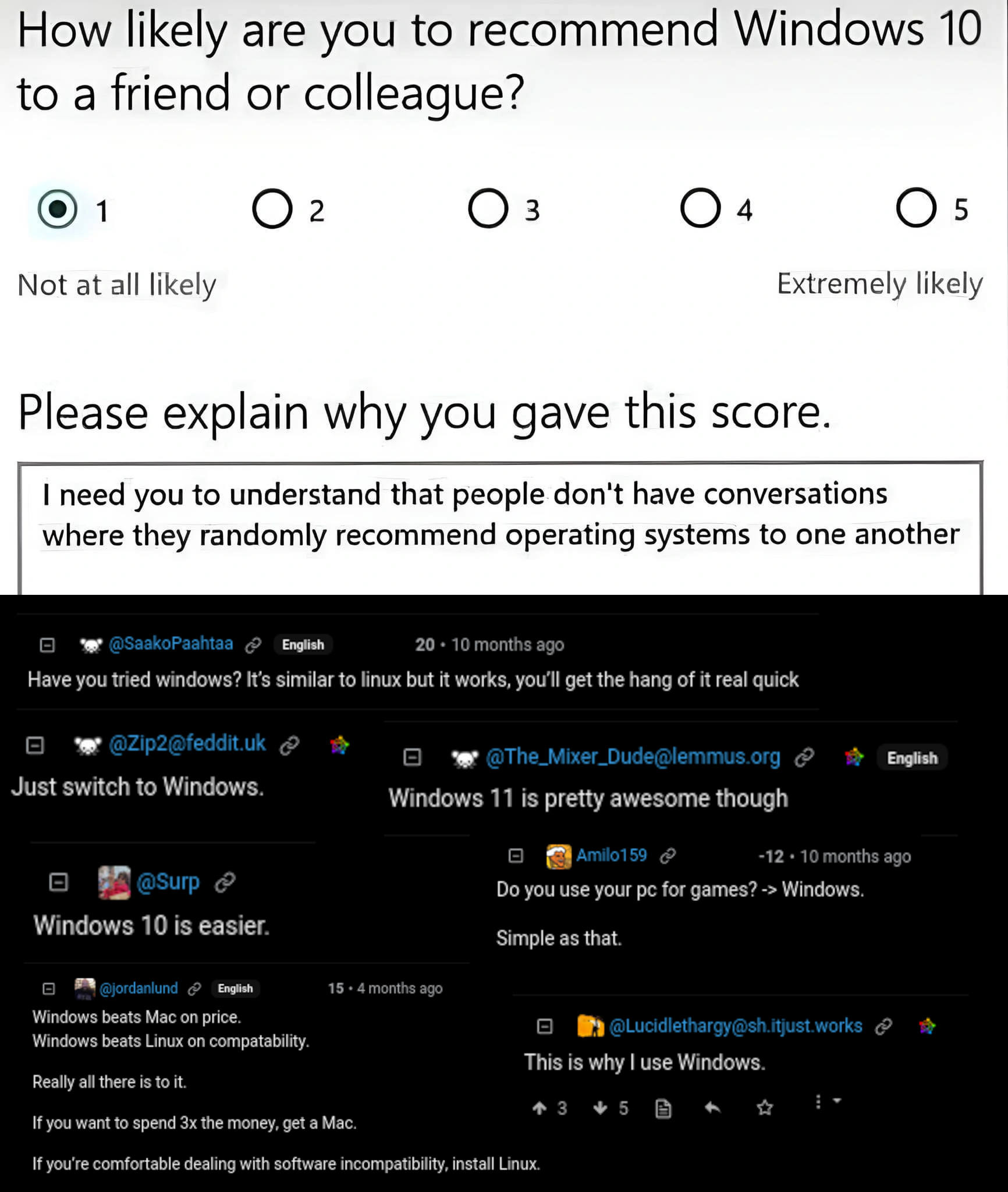
Are the “Windows evangelists” in the room with us right now? Every Windows admin I know hates Microsoft with a burning rage. Literally the only people I’ve ever seen promote Windows are being paid to do it.
Counterintuitively, that’s one reason I like dealing with Windows: the community knows what it is and doesn’t pretend otherwise, like some other more “zealous” fan bases.
Literally the only people I’ve ever seen promote Windows are being paid to do it.
Yeah, that’s the demographic I had in mind. Lemmy is full of paid shills lol.
it’s Linux, who’s going to pay them Canonical? IBM? Wait, nvm, I could see IBM having paid shills
Do they have any money?
I mean, the reverse is also true, people have memorized which buttons, menus, etc they need to click/drag with do be productive. Sometimes i m OK with all the clicking, but most times I just want to do the thing now.
Type 3 words or click through 9 context menus. 😅
Yeah exactly ANY interface made by humans speaks a design language, and it’s only “intuitive” insofar as the user understands that language. There’s nothing inherently “intuitive” about GUI, it’s a language that you’ve learned through a long process of trial and error. This is painfully obvious to anyone who’s ever had to help Grandma reset her gmail password out over the phone. Same for CLI. At first you’re copy-pasting commands from tutorials and struggling with man pages, but after a while you get used to the conventions. You learn that
-hhelps you out and--verbosetells you more and so forth. You could make the case that the GUI design language is more intuitive because it’s based of physical objects like buttons and sliders that many people are familiar with, but honestly ever since we abandoned skeumorphic design that argument rings a little hollow.This is an incredibly sane dissection, wasn’t expecting it under a meme
That’s a very nuanced analysis. I’ve explained it this way especially to people who describe themselves as “bad at computers”. Hey, give yourself a break, you’ve learned a lot about how to cope with windows. But this investment leads to a conservatism— they dont want to learn coping skills o a new system. The devil you know.
I’d just add that GUI is more discoverable. When faced with a terminal, what to do? Whereas with a GUI you have a menubar, some icons etc. The GUI gives a lot more hints.
In the terminal (which I love) it is more powerful once you know how to crack the lid.
Exactly. You need documentation to figure out how to do anything in a CLI, and if you forget it’s back to the documentation, but a GUI exposes all its commands immediately, allowing the user to find things on their own.
Except the iOS UI, which is heavily reliant on gestures with varying numbers of fingers, pressure dependent touch commands that are difficult to pull off consistently (seriously, how the hell do you deliberately do the multi-select drag thing?), and hidden menus that are exposed by dragging in from specific portions of the screen at specific angles with no hint that they’re there.
Think this is more of a accessibility thing. No one denies the CLI is really efficient to use if you’re a professional, it shouldn’t be the norm that you have to be proficient with it to use your computer to the fullest though. Nor to receive help if you don’t feel comfortable using it.
It would be nice if everyone could enjoy free and trustworthy computing, including people who either can’t or won’t learn many dozens text commands and paradigms.
" i shouldn’t have to memorize commands"
the up arrow:
Just wait until they learn about ctrl-R haha
I’ve seen people not realize tab autocompletes.
I learned that tab=autocomplete when I first played minecraft in grade school haha. I just assumed that it was common knowledge but apparently not…
Oof, my back.
I’ll save you a spot at the bingo table
This is me. I’m taking the L on this one and I’ve (at least occassionally) used Unix-like systems professionally for 15 years. I’m all self-taught on Linux and didn’t figure out Tab until I was doing some awful Grub troubleshooting and it spells out that tab autocompletes. So I tried it in terminal and then smirked at the camera like Jim
Holy shit
Wait until you learn about fzf - a replacement for ctrl-r that offers fuzzy search with a nice tui
I’m completely familiar with fzf!
I also generally tap in the first few letters of a command then use pgUp (on my system) to autocomplete. Or use the ol’ !<command#>.
But I have somehow never friggin heard about Ctrl+r.
Huh, interesting, I never used fzf outside of ctrl-r!
holy hell
old response dropped
I’m the type to spend 10 minutes going through my previous commands, rather than 5 seconds typing it.
I’ve got
haliased tohistory | grepand it’s been revolutionaryAlternatively, ctrl+r
Sounds like you should try fzf to get a better ctrl+r experience.
What about ctrl+r to reverse search?
Up arrow about 400 times for that one command*
See also: atuin - a shell history tool that records your shell history to sqlite.
Seamless sync across shell sessions & machines, E2EE + trivially self-hostable sync server, compatible with all major shells, interactive search, etc.
GNU Terry Pratchett
The commands: ls cp mv…
Meanwhile you get Windows people who memorize things like Get-AllUsersHereNowExtraLongJohn
Get-command -noun <string[]>
Handy AF
Versus:
man $commamdPowerShell might be okay script syntax for people with uncorrected sight issues and the elderly who’s heart might not handle bash without
set -ebut to be useful as a CLI shell prompt that is your primary way of interacting with the computer like it can be on Linux it needs to be so so so much shorter. I’ll be dead by the time I type out half the shit it’d be like 4 key presses total on Linux.And that’s before you get to the issues of it being a whole object oriented and typed programming language with .NET whereas shell is nice universal text everywhere that can be piped around however you want.
There are even those absolute mad lads who unironically use PowerShell on Linux.
Learning the absolute basics of how to use tmux, vim, sed, awk and grep and pipes and redirects and the basics of handling stdin and stdout genuinely made me feel like all my life I was an NPC in the matrix and now I’m Neo just because passing around bits of text is so powerful when everything works on that basis.
Yea, when I switched to Linux, at first I installed PowerShell to get something familiar, but quickly realized that contrary to Windows, terminal on Linux is actually usable on it’s own out of the box.
PowerShell doesn’t stop on errors either by default. And of course a significant number of tools you need aren’t available in PowerShell, only cover partial functionality or are an exe you need to call so even if it did stop on error, doesn’t work for those tools by default.
It is still a shock to me that some genius aliased curl to
Invoke-WebRequestand thatcurl.exeis what you actually want.
Re: length of commands, PS commands are longer, but they also have tab completion so realistically you never type the whole thing, only enough to be unambiguous and press tab. I’ll grant it’s still longer than the equivalent bash, but not by as much as it appears.
I’m one of those that use PowerShell on linux.
You can use tmux, vim, sed, awk or whatever binary you want from PowerShell. Those are binaries, not shell commands.
You can use pipes, redirects, stdin and stdout in PowerShell too.
I personally don’t regularly use any object oriented features. But whenever I search how to do something that I don’t know what to do, a clear object-oriented result is much easier to understand than a random string of characters for awk and sed.
Mixing the two philosophies of coreutils and unix bins and whatever is happening in PowerShell seems even more unholy to me than the phrase “object oriented result”, but different strokes.
I gave up on PowerShell on Windows as a plausible alternative to Bash on Linux the minute I realized there’s no real equivalent to
cat, there’stypeor if you hate yourself -Get-Contentwhich is aliased ascatbut doesn’t really work the same way.If I can’t even very basically list a file irregardless of what’s in it, it’s just dead out of the gate.
On Linux, I once sent myself an MP3 from my server to my laptop with
cat song.mp3 | base64 -w0 > /dev/tcp/10.10.10.2/9999because I cba to send ssh keys.I’ll give modern windows a few points - the new terminal emulator application is sweet, and having ssh makes it easy to login to remotely.
PowerShell is a strange programming language that makes me wish I was just writing C#.
Bash is a shell language. At its heart it’s a CLI, emphasis on the I, it’s the primary way of interacting with a computer, not a way to write programs. Even
awkis arguably better suited.That’s why it neither needs to be verbose nor readable for complete beginners, you memorize it the same way you memorize where buttons are on a keyboard or what items you can expect in a right click context menu on Windows.
Most bash scripts people write are far too complex for it and could stand a rewrite in
perlorpythonor heck, what I think actually works amazing as a “scripting language” - C.
In PowerShell most common cmdlets for basic operations have aliases by default. And funnily enough you can use both Windows (
cmd.exe) and Unix shell names for these. (copyvscp,delvsrm, etc.)AFAIK The cmdlets that you use only by Verb-Noun convention are mostly used in scripts, or in some administration tasks.
I also think that some poeple miss the point of PowerShell, as it’s not supposed to be worked with like with Unix shells, since it’s more object-oriented than string-oriented.
Get-ListOfFunnyPowershellReferences++
(Seriously…
ExtraLongJohnis damn funny)
“i shouldn’t have to memorise commands just to do basic tasks”
me: