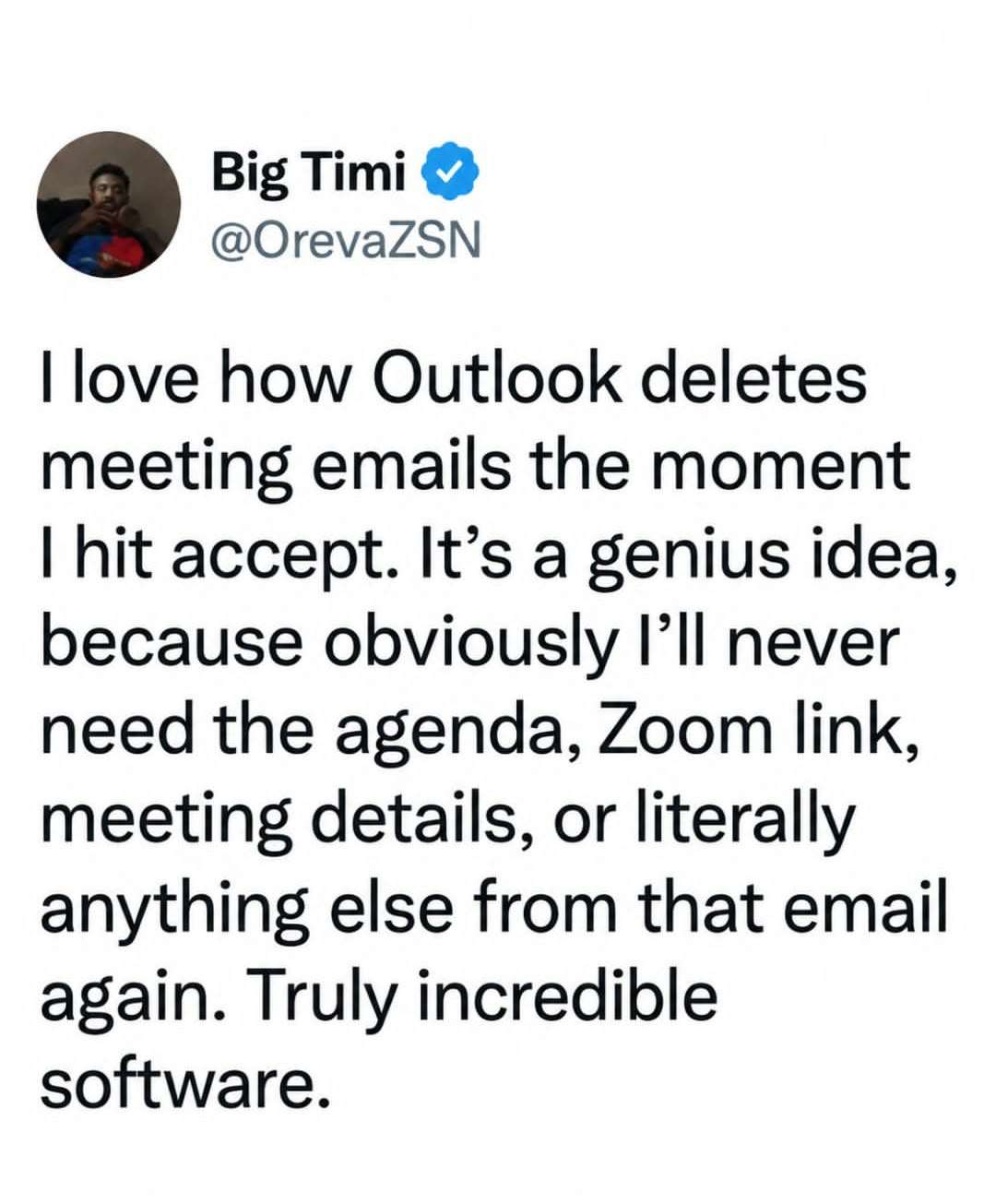
… It goes into your calendar?
And then you have to open calendar, find it among all te rest with whatever name, find the email l button in the expansed view and reply there if anything changes. It sucks.
Also, if you are this brain-dead you can disable delete after accept, in settings
Yeah, plenty of things to hate on Outlook.
But this aint it.
True but if its not in the next few weeks its a pain to track down
Then you find yourself remembering that you accepted what feels like it was an important meeting yesterday, but want to remember when and have a hard time finding it because you can’t quite recall enough searchable detail, but you know it came up yesterday.
This is why it doesn’t bother me. Once I’ve put it on my calendar, then I personally free up my own memory and forget it until the reminder.
We had a button for that: it’s called delete
I’d probably set up a rule, then it’s less clicking.
Yeah this is what I do in Thunderbird
Hot tip: you can find all actioned meeting invite emails in your deleted items folder for 30 days.
They also end up, you know, on your calendar?
Why is this even a post? Outlook ain’t new, been this way for a long time now. I’m no Microsoft apologist, but being this helpless with something so common is just embarrassing.
When you respond to a meeting, there is a very magical thing that happens. Outlook sends the organizer–wait for it—AN EMAIL. Go look in your sent items if you need to see it.
Sheesh.
Tbf I have been caught by this before. Sometimes the PM will book a meeting weeks in advance and then you RSVP to it right away and you don’t want to have to click through 4 weeks of calendar just to track it down
Just view it by month?
Man, if only Outlook put the entirety of the meeting invite into the calendar entry it made for the meeting… Can you imagine how convenient that would be?
Tap for spoiler
That’s actually how it works
lol people downvoted you over vibes
It is mainly because you burst their bubble when they want to complain about Microsoft.
Like, find an actual reason to complain instead of inventing one that is just plain wrong.
Yeah, I’m used to that. People with a skill issue get upset when you point it out.
Plus who can pass the chance to let the monkey brain out and be angry with a group?
Yep. Pretty easy to find if the meeting is tomorrow or next week. But good luck finding the meeting you accepted yesterday that is in (maybe?) 3 months.
(I know again skill issue because the invite is conveniently stored in the deleted items)
Also god forbid if people want to have different work flows than Microsoft intended.
microsoft is a cancer
Obligatory

I love how the office homepage is now a portal to whatever their LLM is called. Who needs all their recent files and direct links to the software they use in a single view. What kind of idiot would want that. What a great company.
I hope to see them continue trashing their products. I encourage and cheer it on. This will be the only thing that will prompt people to use alternatives that are already out there
Microsoft has been trashing their own products since before you were born, but for some reason people keep using them…
The guy forgot to look at the calendar?
That and it’s a setting in Outlook to delete them or not. If you don’t want it done, turn it off.
(This is a pet peeve of mine, use your fucking settings people!)
Except the background option. Fuck anybody who uses those.
Hold up…
I am not a fan of the different backgrounds in outlook and other office products, however why shouldn’t Sue from HR use a cloud background in her office product?
Wait… you don’t mean backgrounds IN THE EMAIL THEY SEND DO YOU? Who the hell uses that in an office/corp job?
It shoudknt be the default though.
Drove me mad until in found it.
Then they updated and reset it on my.
Work computer before all the get on linux stuff appears
I didn’t know it was an option. Thanks for this, I will change it tomorrow!
My email service just doesn’t have a calendar. Problem solved.
Number one reason I never accept meeting invites (I just decline if I can’t go), totally insane it works that way.
My org auto deletes emails over 3 months old and I’m pretty sure it’s to CYA.
Actual Outlook problem, though: if you paste an image into the email, it doesn’t always attach when I hit send, because it’s linking to a local image on my machine. The recipients see a broken image placeholder. Who came up with that system? This is through the app on Mac.
Don’t you worry Microslop will get right on it and fix this by giving copilot full unfettered access to your emails.
And that’s how I ended up moving from software that “knew better than me” and chose for me.
all software does stuff for you, that’s almost the definition
Depends on the definition of “doing stuff for me”.
I can practically guarantee you never want to use an application which has no conditions or branching in it whatsoever
That is implied when talking about an application.
Ok, so we agree, it is implied that using an application means it chooses things for you, contrary to the statement of the above poster’s desires. I’m being extremely pedantic of course, but the point is it’s not actually easy to determine which things software should decide automatically and which things it shouldn’t for optimal UX, it’s different for every user, and just making everything configurable isn’t a sufficient answer because complicated configuration is itself bad UX.
complicated configuration is itself bad UX.
So have defaults that work to do what it says in the tin and have settings to change whatever the user wants. Can even have an advanced toggle or something if you want to have simplified settings for people that don’t care as much. These are solved problems. Removing settings to have a simple UX is just devs being lazy.
Linux: “sure thing, boss! I’ll delete the bootloader right away!”
I know exactly what you mean! I used to call it “computer knows best”.
At home I avoid all MS products because CKB drives me nuts. At work, they tell me what software to use. :(
The amount of people in this thread that have never had more than a couple meetings is shocking. Or meetings a few months out that get hidden by mundane things.
Having your chronologically ordered email tends to be easier to sort through than trying to remember the event name/date from a calendar invite.
Yeah my conclusion is that people just don’t know how to use calendars or threaded messages
The issue with conversation view for me is that other people don’t send you a new email for a new subject, they search for a 3 year old unrelated message, then hit reply on that.
or threaded messages
snort
If a thread I was on today is any indication, you look at the post on top, then sometimes the one at the bottom, and just for variety’s sake sometimes there’s a reply in the middle. All MS Outlook generated.
Not a huge fan of the threaded messages. Sometimes they get scrambled or buried by someone else’s reply(s) so that it takes more effort to find the message I need.
Search function only works if you know what you’re searching for.
Like it initially, but I prefer chronological ungrouped email at this point.
You can find all that by clicking on the calendar event…
You’re solving the wrong problem. An email was deleted without the user hitting delete. It should be for the user to decide when to delete an email, not microsoft.
The user literally gets to decide by disabling this feature in the settings or not.
It isn’t a problem to be solved, let alone wrongly.
yes, because we can trust microsoft to respect user settings and to not forcibly change them without warning. That’s never happened with a microsoft product before.
I like that it does this. I don’t need the clutter. I don’t view this as a problem.
In fact, it’s not a problem for anyone, as you can turn this behavior off.
How??
I see it as the invite was deleted because I resolved it by accepting or rejecting. While I admit I occasionally wish I had the invite back, I am almost always happier that something is deleted from my inbox
The amount of interns/students commenting “its fine/skill issue”, shows the demographic of lemmy and how comfortable people are giving stupid opinions about problems they don’t have, but are apparently experts on.
To all of you: having the email both in inbox and calendar gives another sorting of the information, which is always a good thing. Some people might prefer removing the emails to “tidy up” inbox, but that shouldn’t make it the only option (because those people, other than OCD, probably don’t have more than 10 emails / day, with > 50 they would have give up on tidy)
Don’t forget how Outlook is often “cloud” now with local message backing sometimes failing to load a message until you choose another a few times, or how Teams overlaps Outlook overlaps Teams for functionality in a terrible useless way.
Or how selecting a message thread often doesn’t show the most recent or any of the unread messages, while clicking the unread message directly also sometimes doesn’t load it.
Microsoft business tools are an absolute joke.
The most frustrating for me is Outlook’s search functionality. I sent out purchase order emails with the PO# in the email. If I search for a number looking for my PO, I want THAT number, not a completely different number. Don’t give me the wrong number as a FIRST FUCKING RESULT!
It’s not the only option, I have it disabled so they stay in my inbox once accepted/declined.
You work somewhere where the IT policy allows you to change the setting. Lucky
Damn, they lock down your Outlook settings? I don’t think I’ve ever worked anywhere that did that.
My company locks it down and deletes email older than 3 months but default unless you request a special group asking for longer storage.
Ah yes, the “it’s not evidence tampering if we just delete the stuff as a matter of course” policy.
Which makes no sense to me because I could swear there’s a legal retention policy that supercedes this.
I presume longer retention policies apply to specific data rather than arbitrary communications. The place I worked with a 90 day deletion was maniacal about adhering to the letter of the law and they didn’t seem broadly concerned about any data that was solely in email.
Well until they went to sue someone else, then they’d grab and freeze all email boxes that ever communicated with the defendant and instruct all parties to immediately forward any email from that party to legal and ignore it.
Likely the penalty for not retaining the data is less severe than any penalty for getting caught with evidence of illegal actions, so it’s the default action to reduce risk when you’re doing illegal shit.
if the IT policy disallows changing settings then the company wants you to fail
Welcome to the fortune 500.