

0·
1 year agoIs it now fixed?
Assuming you still have it.
Is it now fixed?
Assuming you still have it.
Maybe this won’t come back to bite owners in the future, but it’s a risk you take on when you buy a Bambu printer.
I’ve seen too much enshitification of good products
It will. When? Don’t know.
Right now, it is all safe. You could stockpile replacement parts, disconnect it from the internet, and keep it running as is. If Bambu starts attacking the offline capabilities, I am done. As long as they keep it (even though I am using them with their server/app at the moment), I am fine with buying more.
Keep the bed heated. Remove the print from the hot headbed.
Made the same mistake once. Killed my glass buildplate that is discontinued … instead of trying to find somebody to manefacturer a custom borosilicate glassplate I bought a mangatic PEI-plate.
as a workhorse without a proprietary ecosystem.
It just doesn’t matter at all for this use case. While personal preference does play a role, at the end of the day it’s numbers that dictate feasibility:
For cost, just run with these numbers for your spreadsheet and see for yourself the difference it makes on production cost/parts cost:
Let’s take a look at the P1S combo: 650€, approx. 15-minute setup time.
Prusa Core One + AMS + camera: 1780€. Time? Don’t know, maybe 3 hours or so and who knows how much for additional material to get the MMU into a functional package like the AMS. With labour cost and everything else, I would estimate 2000€ for the Core one “combo”.
Qidi?
previous gen: exposed mains voltage on the chamber heater => can’t deploy that (also QIDI not recognizing this as a safety hazard, refusing to fix it)
current gen: SSR catches fire => can’t deploy that either
Potential next gen? Bad track record. Wait and see.
Prusa? launching half backed product at a premium that might be fixed after release. Once fixed, they are still too expensive to be the most economical solution.
XL => pathetic. Countless design fails and that’s after significant delays
MK4 => swiftly fixed with the MK4s
AMS => DIY solution at a crazy price. Like no nice box, not entirely sure if they have a first-party filament buffer or that is also another DIY part. Has been like this for years.
Flashforge?
Flashforge 5M pro and the AD5X was on my short list. In the end the 5m pro has no AMS and the AD5X is missing the enclosure.
Whiere? I see 800€ everywhere.
locked down firmware and no alternative slicer. There are two types of printers: project printers and workhorses. I was looking for the latter.
A typical project printer would be a RatRig, Voron: Open source, you tinker with it, modify it, try new stuff on it and so on.
A workhorse is: take my money and shut up. They work out of the box and you don’t have to touch anything, making the proprietary firmware an none issue.
For the slicer? Again. It works. Also, you can use Orcaslicer or PrusaSlicer on BambuLab machines if you like. Business and hobbies are pretty different.
If Bambu goes downhill 2 years from now, who cares? Sucks but by than the printer will already have paid for themself and assuming you run them at 70% utalization they will likley be close to reaching the end of their lifespan (12’000 hours after 2 years). Printfarm/production ticks differently.
That’s like saying a Toyota isn’t a finished product compared to a BMW.
Bad comparison: It is like a car delivered with a without a tachometer scale but the manufacturer includes a pen and guide on how to open the dashboard. You have to draw your own scale to get it going.
Just look at the slicer: With Bambu there is a working profile for different presets, different nozzle sizes and different filaments. Everything is already done for you.
The S1 is not $50-$100 cheaper. It was $1000 vs $650. Now it’s $700 vs $450.
Bought the P1S combo (AMS 1) for 636€. Anycubic S1 combo is 549€ (Germany).
Regular pricing on the P1 combo is 800€ which is noticeably more than the 549€ for the S1.
The S1 AMS does filament drying that the p1S doesn’t do without the pro AMS.
I couldn’t care less. Drying is done in an oven. From there on it is stored in a dry environment. No need to dry it on the printer. I also didn’t buy the AMS 2. While all the improvements are nice they aren’t 150€ price premium worth of nice on top of the already 200€ AMS 1 price.
If you want to go after Bambu:
- Parts/Products subject to a 3-month Limited warranty —— not covered under this Service Please note that the following parts/products are not covered by the extended warranty service:
- AMS / AMS 2 PRO / AMS lite.
- (Dual) Extruder Unit(excluding the Extruder Gear Assembly, Dual Extruder Gear Assembly, and the Extruder Filament Sensor)
- Shell components: printer front door, left / right / rear Panel, upper and lower covers.
- Air Assist Tube Coupler
- Micro SD Card (32 GB)
- Maker’s Supply (including Hardware Kits, Maker’s Supply Models, MakerLab Accessories, Maker Combo Kits, Hardware Parts, Electronics, Tools&Others)
3-month warranty for the entire AMS or microSD card. That’s crazy considering that the AMS 2 has an asking price of 350€.
Another example Bambu could improve: Bambu charges shipping for the printer AND separately for the accessories. Meanwhile, their official distributor offers free shipping on both paired with 2% discount. No idea what their business plan/reasoning is but the result is that there is now the middleman distributor taking their cut instead of all the money going to Bambu. To make this even sweeter there is better consumer rights since those distributors are established German companies likely honing European consumer rights meaning the SD-card has more than 3 months of warranty (spoiler: Just buying a new SD-card is cheaper than digging up the invoice, writing the message, following up and so on due to labor cost but you hopefully get the point).
It’s more about the general thing that they are not finished products. At least not to the extent the Bambu are.
Looking at the Anycubic S1 (once again): Fauxhammer review mentions firmware bugs and the nozzle situation 3 months after the review: Anycubic still only sells 0.4mm brass nozzles.
Imagine Anycubic releases firmware updates fixing such issues, later following up with stainless or hardened steel 0.2-0.8mm nozzle and so on. It would be a diffrent product.
They all are close but don’t go the last step to be a competitor instead it feels like they assume that $50-100 cheaper is good enough to compete. This might hold true for consumers but business use is diffrent.
I gave in an bought another P1S combo.
Layer 1 isn’t absolutely perfect across the entire bed
This is exactly why. All of the alternatives were a yes followed by some but. I hope that Anycubic, Creality, Sovol and the like start focusing on one printer instead of releasing every few months a new model.
For example the Sovol Zero is based on the Voron zero. Perfect. All they need to do is push the good work of the Voron project into the just works category. Right? Wrong. The Sovol zero is a half-backed printer like so many out there.
Another pain point: Most companies try to compete with the X1C meaning their product cost just as much or more as the P1S. If you compare against the X1C it might be worth it but once you set the comparison relative to the P1S they are overpriced.
For example, Elegoo with the Centauri carbon explicitly asked reviewer to compare it against the X1C. Meanwhile, the P1S would have been a much better comparison as the P1S is 450€ and the Centauri Carbon 329€. A much better comparison than the 1000€ X1C.
Is the SV08 firmware fixed?
Last checked in on it shortly after launch and the verdict was that the Klipper config is half-backed.
Pretty interesting question as high quality and layer adhesion is required.
**TL;DR Polymaker Polyterra **
PETG: Good layer adhesion but stringing. If you can perfectly print it this would be my choice.
PP: Excelent layer ahdesion. Easier to print than PETG but painting might be difficult.
TPU: Somewhat combing the worst of PP and PETG for this application.
ABS/ASA: requires enclosed printer, ideally heated to at least 70°C.
PLA: Easy to print and work with. If the mechanical properties are good enough this is it.
Personally, I really like the Polymaker Polyterra. Gives pretty results, easy to sand and paint.
HDMI over Ethernet box on either side.
$300 per connection: 2 display connections and two USB connections would cost $1200.
https://www.bhphotovideo.com/c/product/1649024-REG/kanexpro_ext_50m18g_4k_18gbps_hdmi_over.html
https://www.avaccess.com/products/u3ex100-usb3-2-extender/
Does this answer your question?
My solution isn’t cheap either: 10m USB-C 10gbit: 50€ each(b-stock/customer returns, normally expect to pay 100€), 15m DisplayPort & HDMI: 40€ each.
Total is approx. $200-2500 between cables and building materials.
And more often than not I find myself having to change one thing to wireless
Wireless HDMI is pretty interesting but low quality and high latency. The 60 GHz never took off and wouldn’t work anyway as it can’t pass through walls.
Wireless USB was a thing with USB 2.0 but it is dead. There was also some 60GHz USB for VR but that also failed in the market.
Water won’t get there and if the entire house is flooded and the walls are wet.
Fire protection is up to code.
If you would want to specify this (commercial installation) you likely would need to explicitly allow its use as this shape is not in the ISO/DIN standard.
Data rates and cost:
2x Display connections = 40 gbs
2x USB 3.0 = 10 gbs
=> 50 gbs through a CAT 7 is difficult
OM4 fibre optic is dirt cheap (under $1/m) but the KVMs are expensive at $800.
Using optical thunderbolt cables is also very expensive with $700 for the cable and dock.
UL94 V0 filament is available: PLA, PETG, ABS, PC and probably more.
V0 means stops burning within 10 seconds and no dripping. That’s good enough for these applications.
edit: apparently dripping is allowed as long as those aren’t flammable. Regardless most V0-rated filaments don’t drip as the “charcoal” when exposed to fire.
Yes you can:
enable Arachne in the slicer
tune the pressure advance setting
Prusa XL is a difficult machine.
On the one hand, it pushes toolchangers to the mainstream. On the other hand, it is utterly unreliable for it’s price.
Paying $5k for a printer and then finding out that the printed parts they used deform causing repairs, the heatbed title issues and some more and this is already after a massive delay (launched a few years later than they initially “announced”).
The previous goat of toolchangers was the E3D toolchanger. While not perfect it at least had the build quality to match its price point (btw. lower cost than the Prusa XL) and if you fix one minor design oversight they are reliable.
There is no clear answer to what is better.
CoreXY:
bedslinger
TL;DR/Opinion?
I might have the klipper source unzipped from the update file (7 zip noticed that there is more data). Where do I need to check/look for this M99123 implementation?
The update file itself starts with: “RAISE - MXC - PACKAGE…” MXC might stand for STM MXcube as Rais uses an STM32 MCU. Scrolling through the file it looks like it also contains some sort of files for YOCTO-Linux for an NXP chip which might be related to the display.
Also does Klipper still use Python 2.7 and other EOL packages that are 15 years old by now?
Looking at the key-file: It is a gzip which contains a USTAR which contains some sort of, I suppose, key: “RAISE - MXC - KEY _ 'C[…]”
Implementing a G-code that allows abitary code execution sounds like a pretty dumb idea especially since these are “industrial” printers.
But I have to say it kind of looks like some sort of binary blob. What is interesting is that the section “DQafsD84EnC8915R6MD0IpD0Ipw/” is repeating.

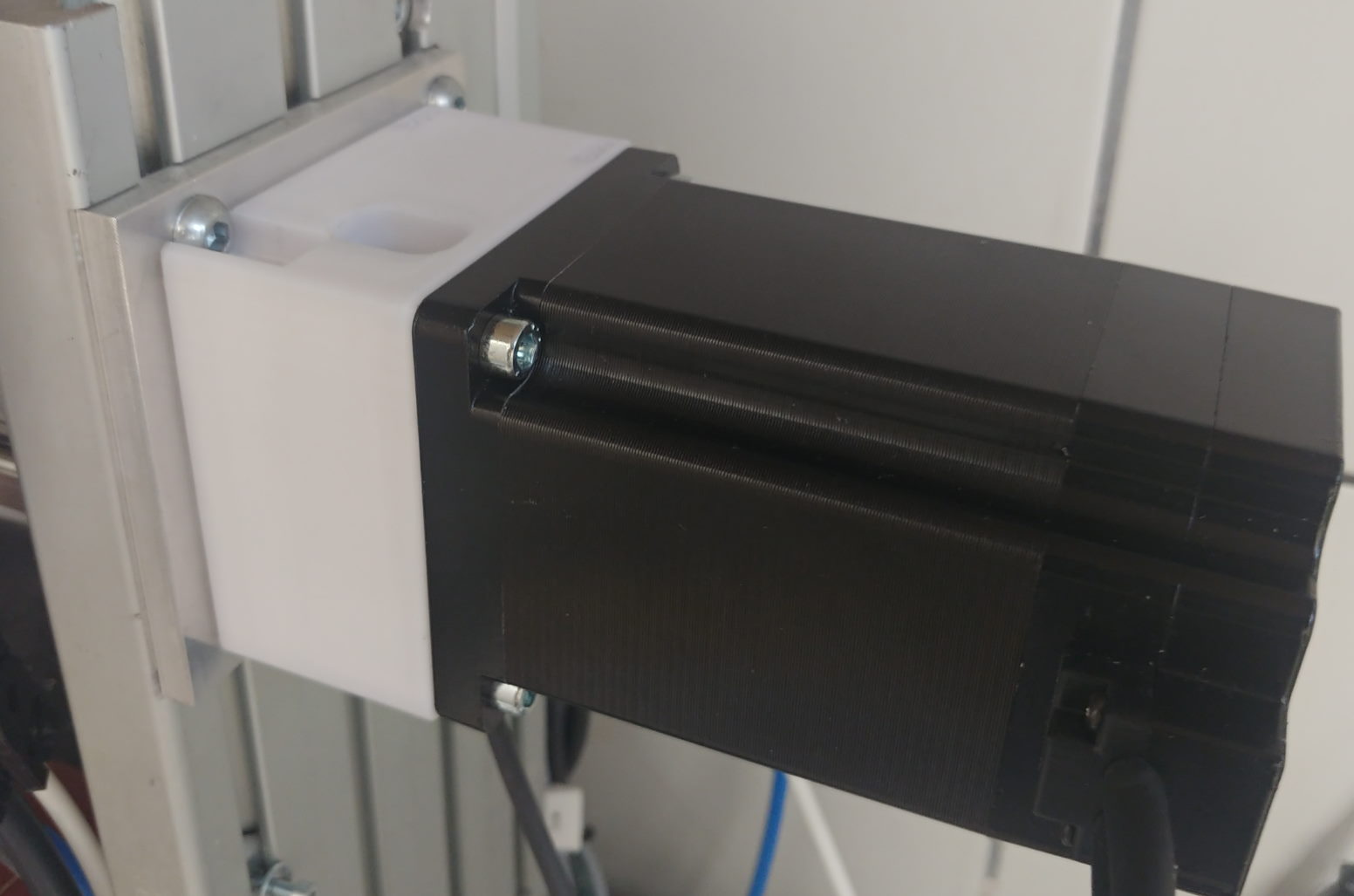

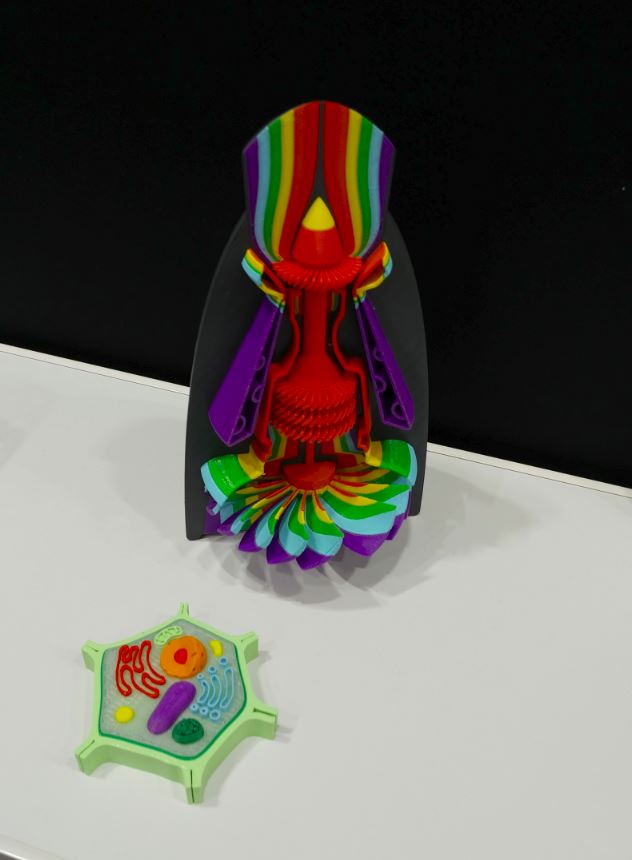
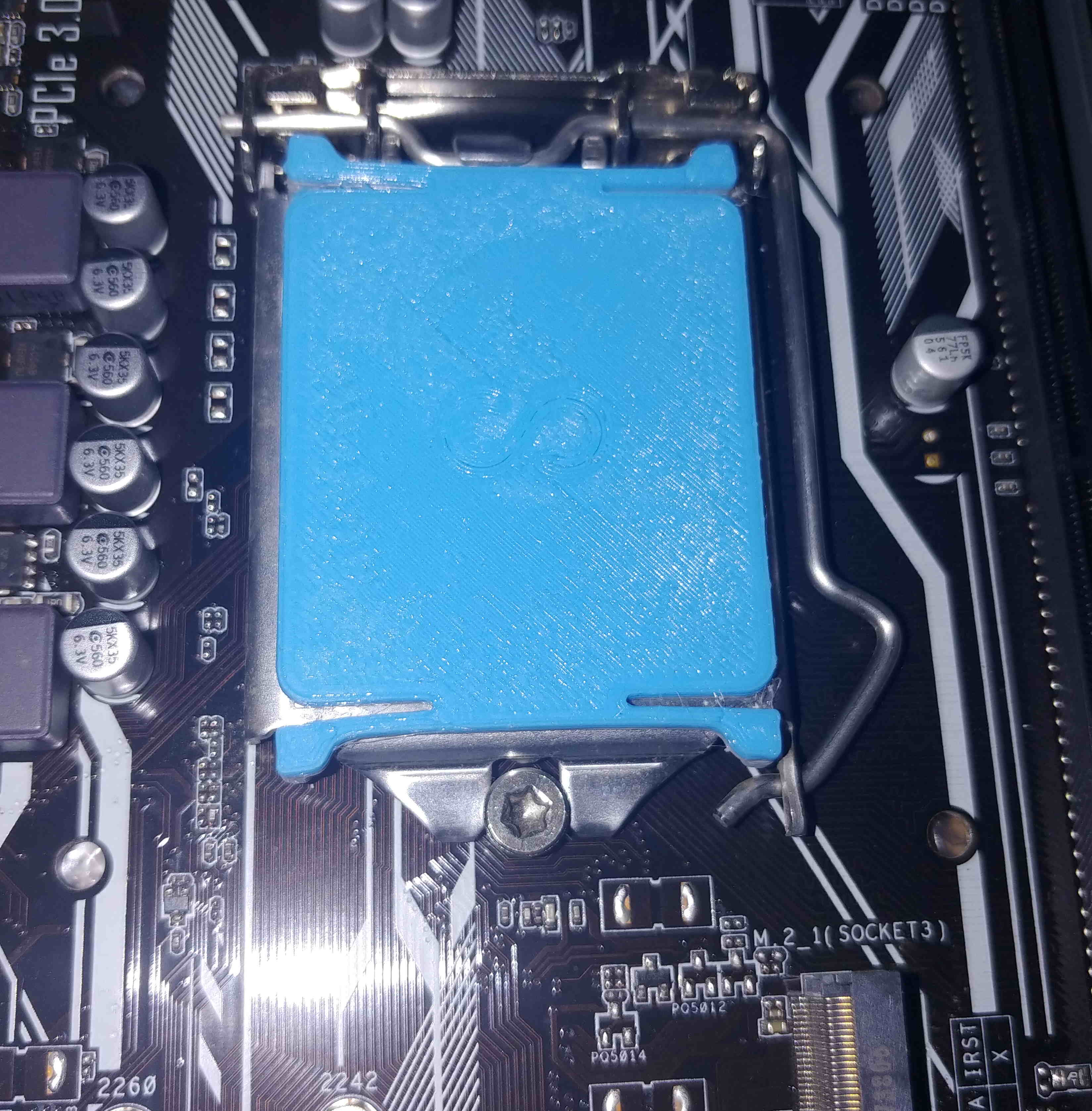
You have 80x80mm parts.
A 256x256mm buildplate, depending on the number of copies, takes up to 16 hours.
Can you make use of the larger volume? No.
Does it make sense to pay for the larger volume? No.
Does a larger printer consume more power? Yes. That’s makes them worse in this use case.
Is a bigger printer larger? Yes. That’s also bad.