
Like this
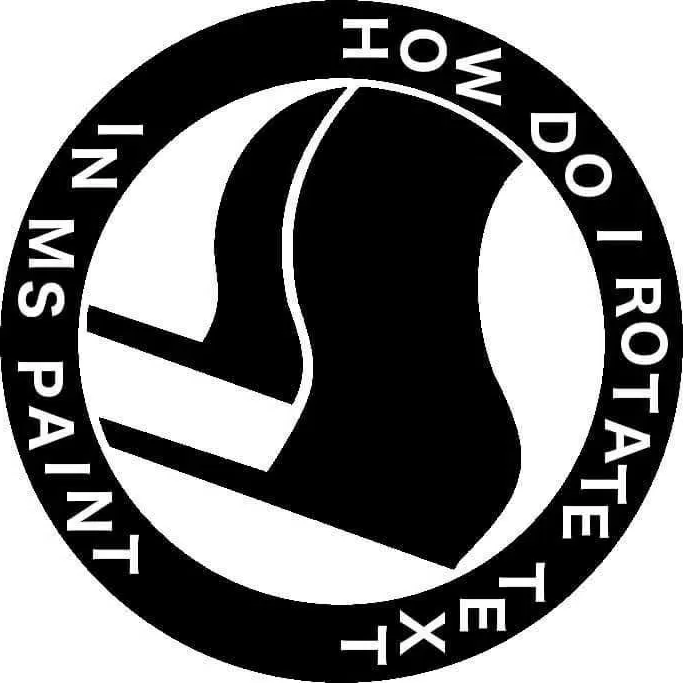
Veeery carefully
This image is 100 times funnier now compared to 1000 years ago when I first saw it
Does gimp not have a circle?
I dunno, but it does have the worst UI this side of the 60s.
(the new version is supposed to finally fix this but… [x] doubt)
why does everyone hate the UI? I love gimp, but it keeps freezing and crashing -that I don’t like.Love the UI though.
takes one application and makes it into 16 separate windows
Gimp devs: “MORE”
New version? I’m pretty I’ve heard that statement before…
https://www.gimp.org/news/2024/11/06/gimp-3-0-RC1-released/
Rather than trying to be different for the sake of being different, they’ve realized that photoshop and similar UIs actually make for pretty great UX so they’ve adopted it.
TLDR
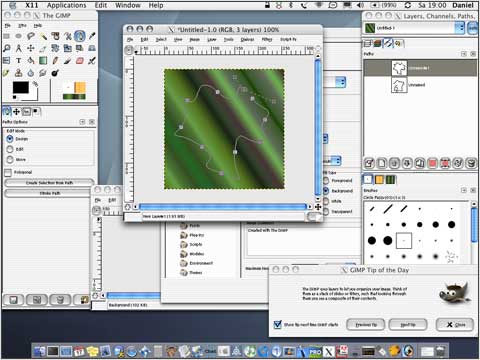
This was gimp 2.0 when it came out
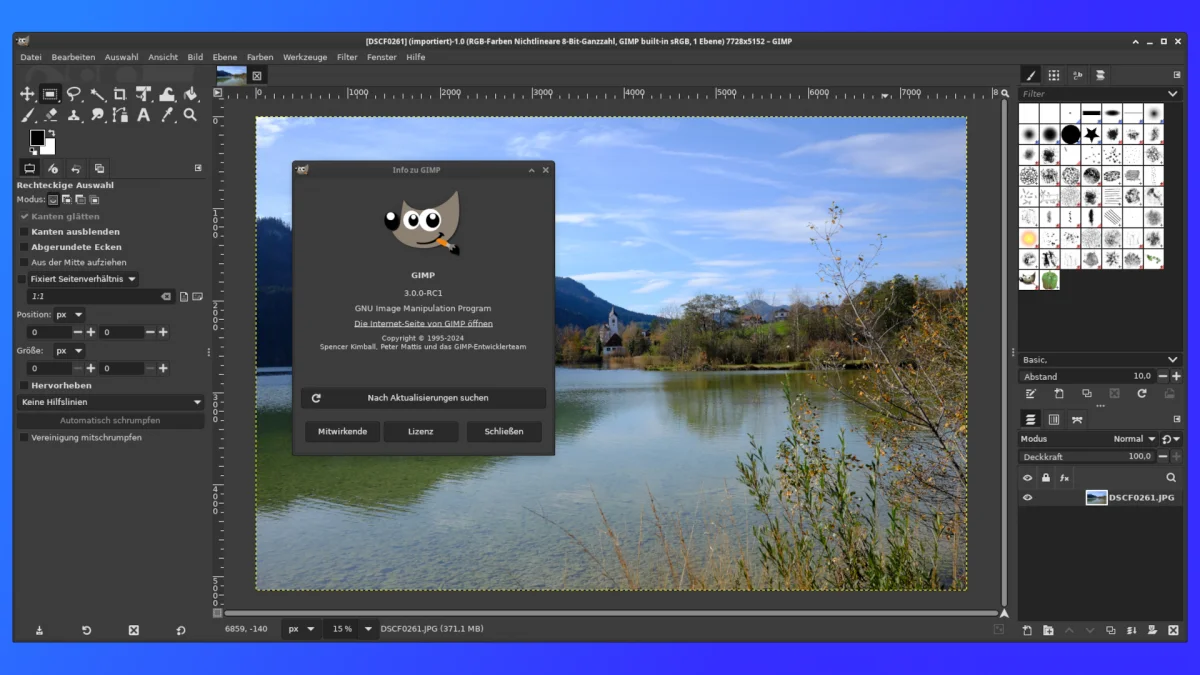
This is GIMP 3.0 RC
I think I’m still using 2.6.something…
Looks about the same, but I didn’t know they hit 3 finally. Time to upgrade, break everything, and loose all my custom brushes & textures!
3 is in release candidate. Yeah I think many of the UI changes have been incremental over 2.x versions so it’s definitely not “2.9 looks completely different from 3.0”
The UI looks exactly the same as it did 10 years ago. Using single window mode was always an option and only two clicks away
Single window by default did wonders for usability.
That looks damn near usable now
Whenever I use gimp, and have to draw square, circle, text or a similar shape I swear I need to search the net for the answer.
You can do everything, but it is very counter intuitive to a noob. I don’t need to use gimp/Photoshop so I regularly forget it and need to look it up every time. I’m sure that for somebody who uses it regularly it is intuitive.
My Gimp workflow heavily involves Inkscape for that reason. If you need shapes, curves, text, moving stuff around, even scaling and rotating, Inkscape is much better. It’s only when I actually have to edit something in an existing image that I open Gimp. And sometimes when I need a complicated guideline, I’ll create it in Inkscape, export to png, import in Gimp, just so I don’t have to use the shape tool.
Absolutely LOVE Inkscape! It even helped me to avoid having to purchase expensive embroidery software!
Plus, when I deliver artwork / graphics to web builders, they’re ecstatic that I send SVG files instead of shitty jpegs.
1000% support Inkscape. ❤️
The last time I used gimp…it does but in like a really weird way. It’s not intuitive.
Iirc you take the circle selection tool and then make a path. Which you then assign a brush width and then a color.
yeah, I remember it like that too
It’s as intuitive as moving the paper under the pen to draw something
You don’t! 😊
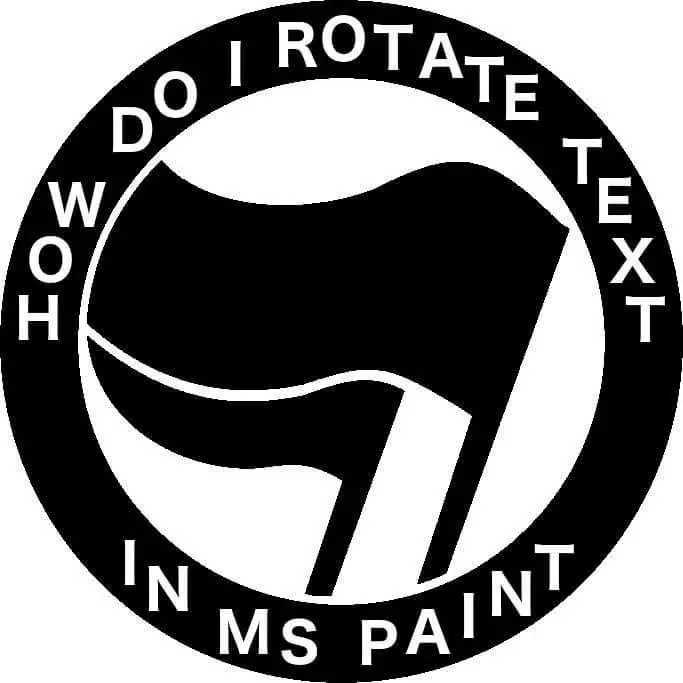
You don’t, Microsoft realized back then that this is the coolest it could ever looked and thusly removed that ability permanently.
Comments saying “you don’t” are weak shit. The answer is you rotate each letter one by one.
It will look like shit because they will be ever so slightly misaligned, but such is the fate of the brave
There are ways to deal with the kerning and angles. Mostly be drawing lines you later get rid of.
that’s how you do hand lettering too!
i want this on a tshirt
On Windows Paint is like Notepad. Barely functional. There are layers now though, which is a step into right direction. For anything decent you need 3rd party software.
Or use online editor like Photopea or Vector Ink. Checked just now and you can warp text there.
Rotate the whole picture
Rotate my farts.
I know someone who charges for that
One pixel at a time.
“Woh odd, I rotate text in ms paint”
Good job!
Just type normally along one side and then
.dnuora yaw rehto eht txet ruoy epyt
I actually kind of like this way better
The new MS photos app actually has an AI-powered tool that can do precisely this. Was shocked at how well it worked for this exact use case.
You need AI to help you rotate text?
Sorry for using the solution that was right in front of me, free, and took ten seconds.
Should have watched a YouTube tutorial, paid for photoshop and done it myself the good old fashioned way.
- Take a picture of the original text with your phone at an angle.
- Email the crooked image to yourself.
- Copy the rotated text from the crooked image into the destination image.
That’s way harder than what I do, but I’m lucky enough to have access to a flat bed scanner. I just print it out, and then scan it at every angle. That way when I email the scanned photos to myself I have all the angles at once.